Protect Your Finances Directly from Your Mobile Device
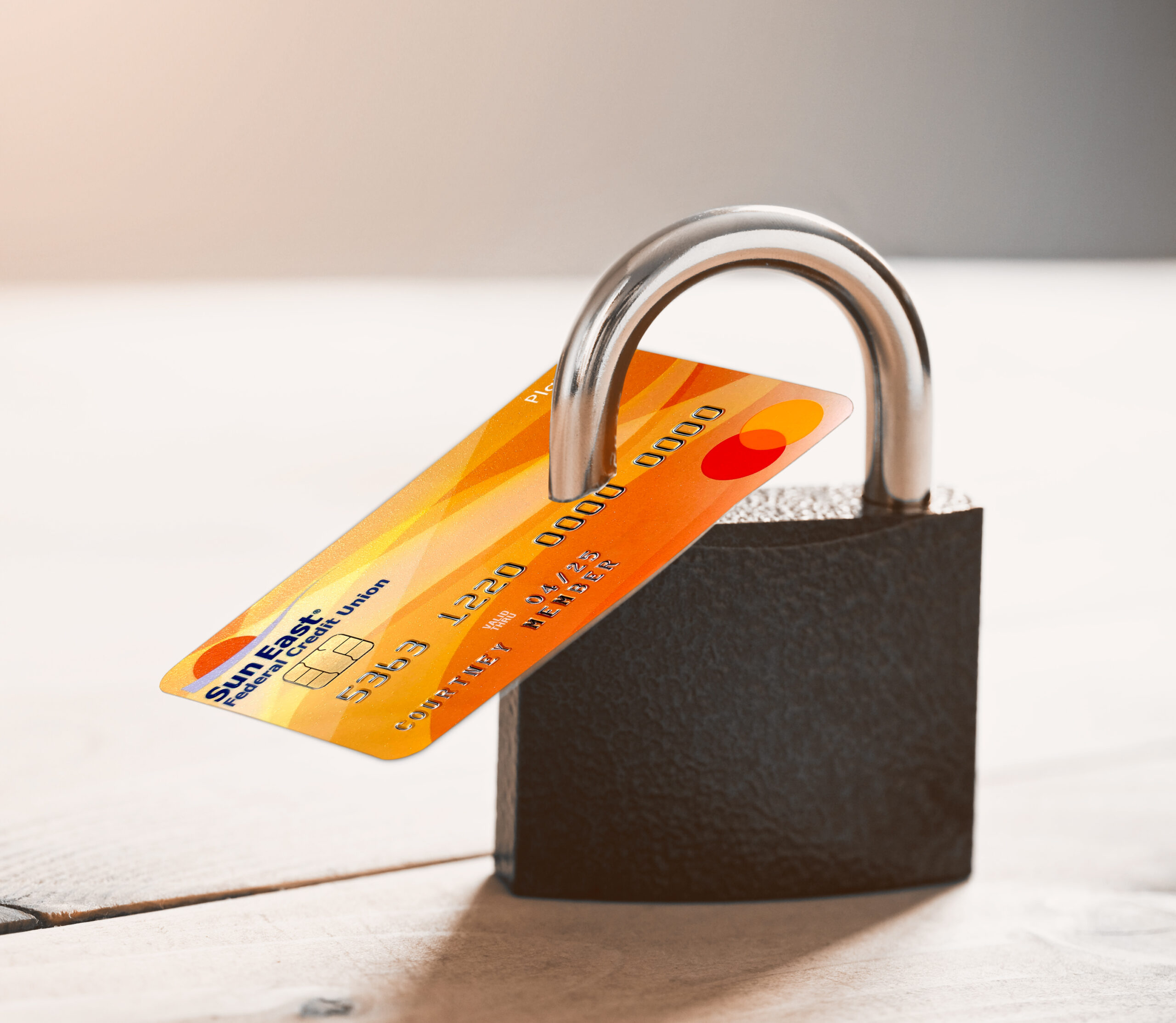
We care about the security of your data and privacy and will alert you of fraudulent activity.
The Power to Protect Your Cards
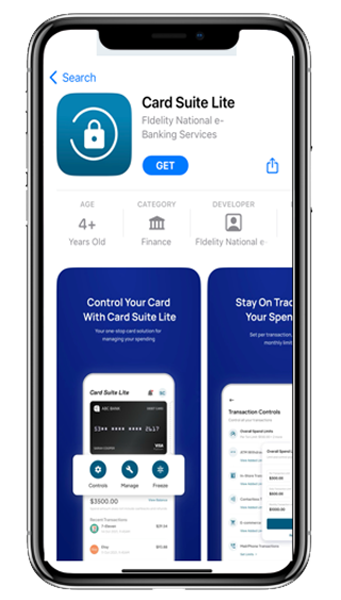
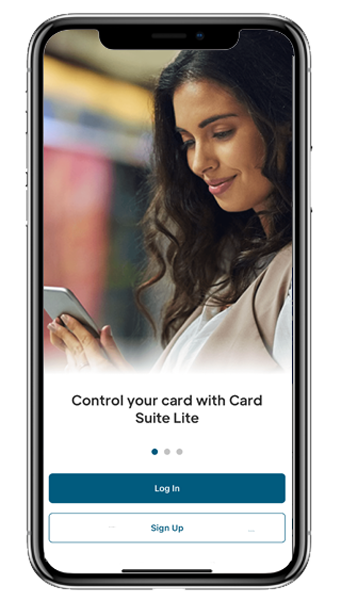
The Card Suite Lite App lets you control when, where, and how your card is used. By downloading the App you can:
- Turn your cards off and on
- Control where your cards can be used
- Receive instant alerts about your card usage
Downloading the Card Suite Lite App Is Fast and Free
There Are Many Benefits with the Card Suite Lite App
TIP: Make your phone the key to your location-based transactions. With Card Suite Lite, when you set your location settings, your card will not work unless your phone is within 8 miles of it.
- View card details and transactions
- Receive alert notifications set to your preferences
- Reduce fraud by having complete control over your card at your fingertips
Frequently Asked Questions
If your financial institution replaces your card with a new card number, you will need to add the new card to the application via the standard registration process. This can be done by clicking on “Add a New Debit/Credit Card” on the cards page. From there, you may scan your card or manually enter your card information. If you no longer want to access your old card, then you can archive and/or delete it.
Unlimited. However, adding so many additional cards may affect application performance i.e., latency when upload multiple cards.
Unlimited. However, adding so many additional cards may affect application performance i.e., latency when upload multiple cards.
No. When the card is frozen in Card Suite Lite, you cannot make changes to card controls.
No. Deleting a card in the app does not change the status of your account. It only removes the card from Card Suite Lite which deletes all the card controls. You can delete a card in the app by navigating to Profile Settings>Archived Cards> Click on the archived card and delete it.
Controls and alerts come into effect immediately after you save your preferences.
A real time alert is an immediate notification sent to you “in app”. You can select to be alerted on all payment transactions, or you can choose just to be alerted for “selected” transaction types. Click on the “Bell” icon in the top right corner of your application. There you will see all your alerts, notifications, and changes you made in the application.
Some merchants send pre-authorizations at higher amounts to test cards’ validity. For example, a $25 gas purchase might display as $26. Pre-authorizations are common at the pump, for a hotel stay, or for a car rental. Even though the charge is listed in the application for more, it will clear your account for the correct amount.
Just download Card Suite Lite on the new device and login. User’s account information of Card Suite Lite is not stored on the device hence when user logs into their existing account on a new device – all card controls, preferences and transactions stay intact. For best practices, it is recommended to log in and validate that all your settings have carried over.
Disclaimer
Third party linked websites are not under the control of Sun East Federal Credit Union. We are not responsible for their content. Third party website privacy and security policies may differ from ours. If you choose to engage in a transaction with a third party, please note that we do not represent either you or the third party in that transaction.